 GitHub

ProPaint
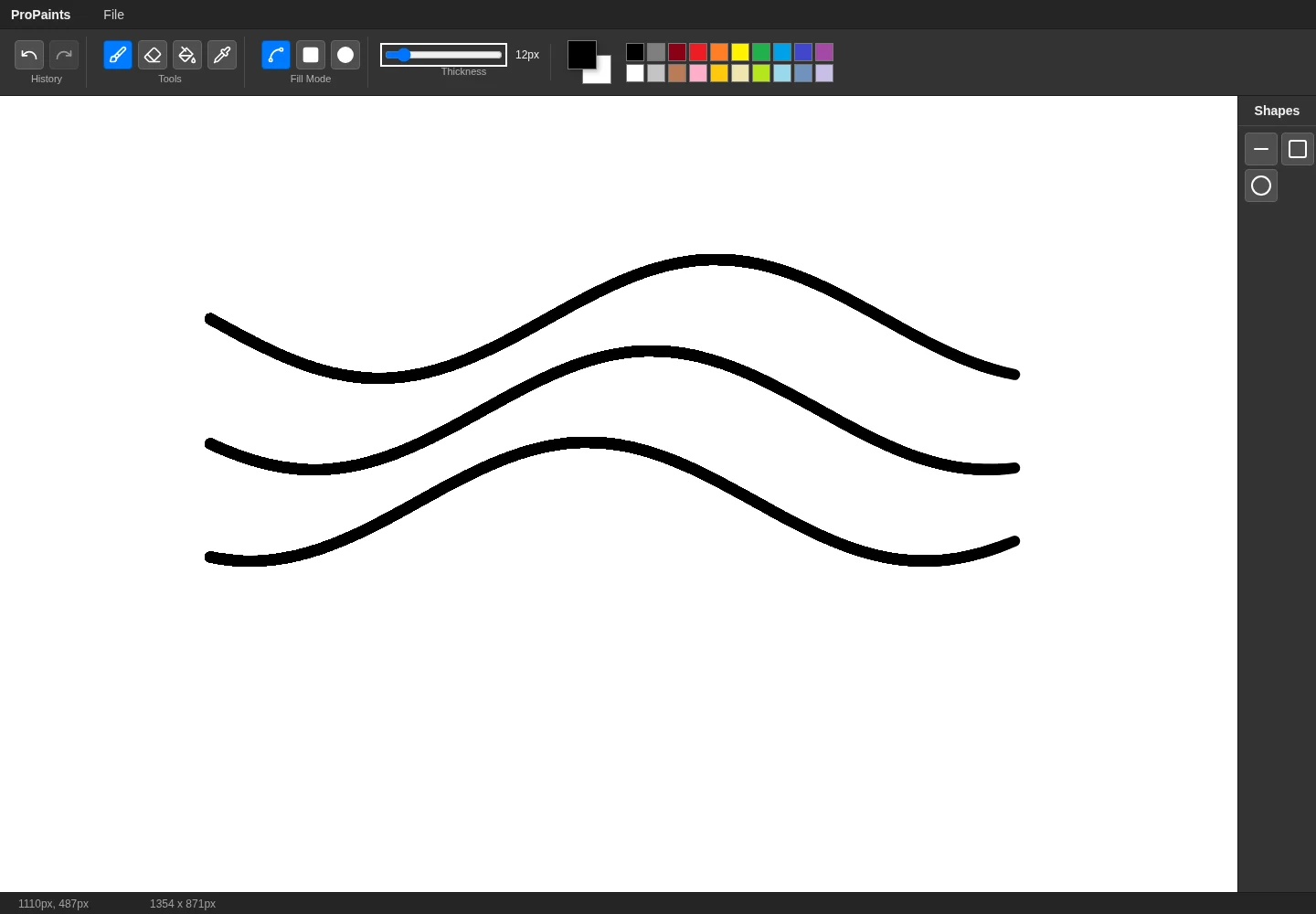
A browser painting editor with custom Canvas tools, undo and redo, color controls and PNG export.
- Current stage
- Prototype · Stabilizing
- My role
- Built independently, from start to finish
- Technology
- React · JavaScript · Canvas · Redux Toolkit
The problem
A drawing editor needs the tools, canvas state and history to stay in sync while the user moves quickly between actions.
What I built
I built a React application around a custom Canvas editor. The existing prototype supports drawing, simple shapes, color selection, undo and redo, and exporting a PNG.
My contribution
-
Built the application independently.
-
Implemented the custom Canvas editor and drawing tools.
-
Connected editor controls and state through React and Redux Toolkit.
-
Implemented history management and image export.
Behind the decisions
Separate the editor responsibilities
The editor has controller, renderer, history and tool modules. This makes drawing behavior easier to evolve without putting all of the logic into a React component.
Stabilize the core interaction first
The current focus is the drawing and history workflow. Save/load, a layers interface and zoom/pan remain future work.
What I learned
Interactive Canvas work brings rendering, input handling and state management together. Undo and redo also require a clear definition of an editor action.
What comes next
-
Stabilize the existing editor and validate history behavior.
-
Improve documentation and align it with the test setup.
-
Explore save/load and navigation around the canvas after the foundation is stable.